
A client of ours recently moved their entire website off Webflow onto private hosting. They did it themselves, using Claude.
It was a smart move. Webflow was costing them thousands of dollars a month. They had already moved a smaller site the same way, and this time they also used Claude to add a few features and design changes.
Plenty of founders are doing the same. You build a landing page with an AI tool, then a microsite, then you look at the platform bill. If you are planning that move, this post is for you.
The pages came across. The design changes landed. Then the client came to us with an attribution and tracking problem, while every check they could think of said everything was fine.
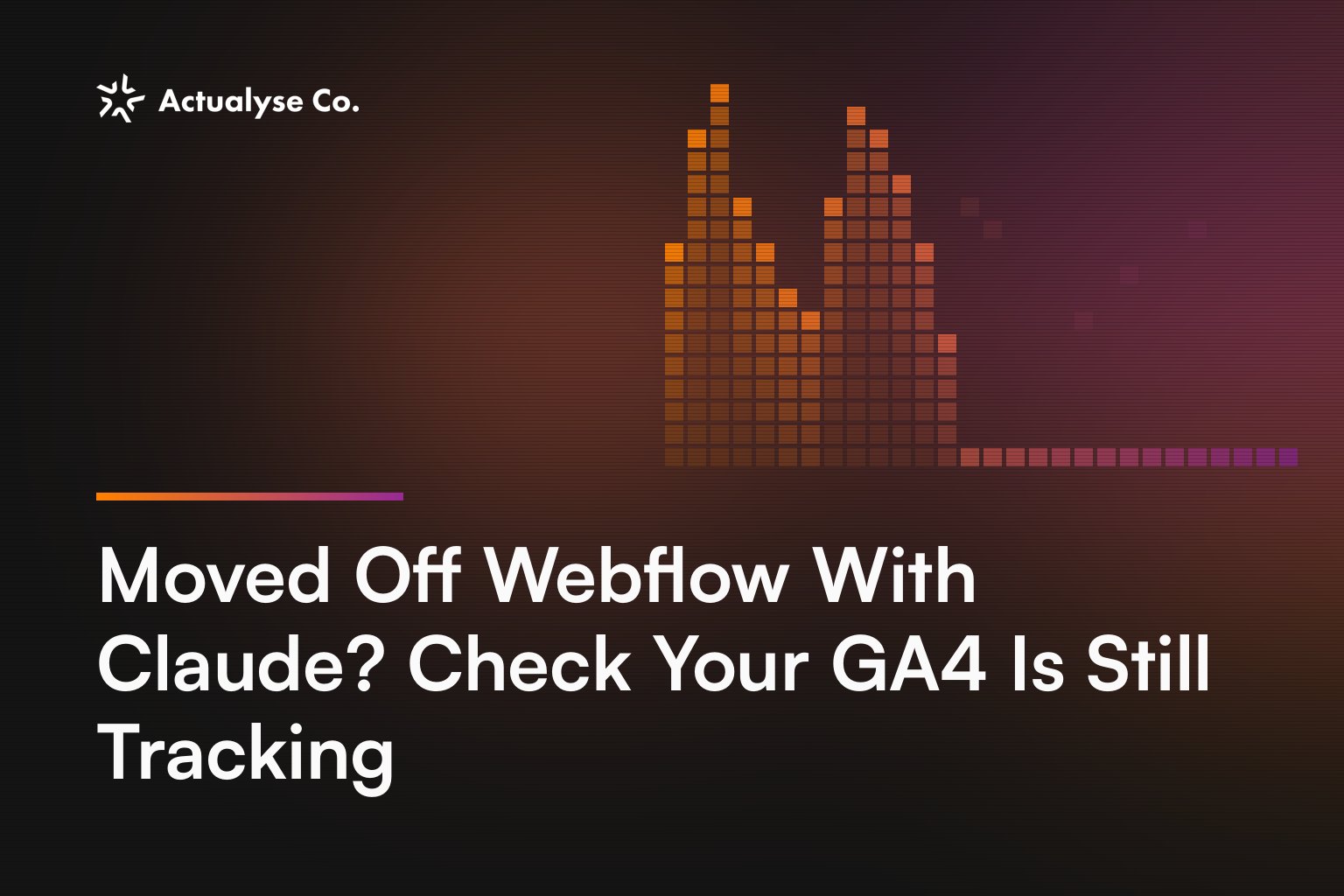
That is where we stepped in. GA4 had stopped tracking after the migration, with the tag still on every page.
Why GA4 stopped tracking after the Webflow migration
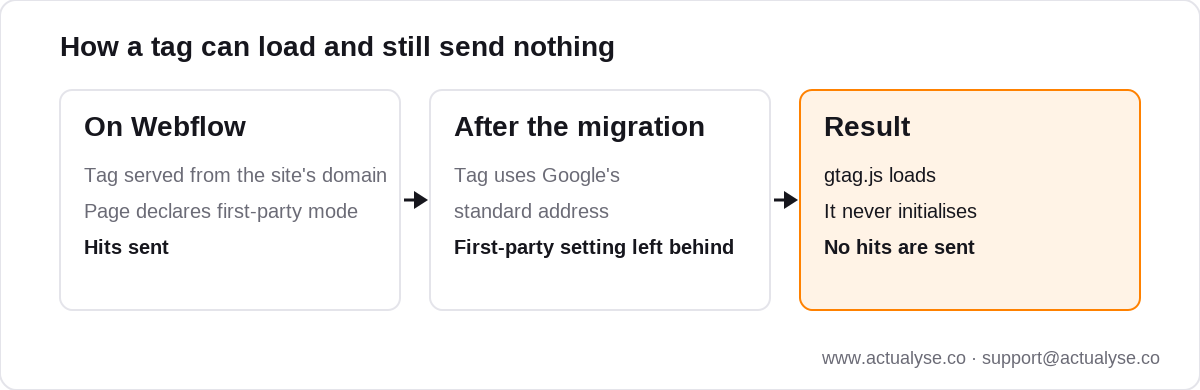
Webflow offers a first-party mode for the Google tag. It is a sensible feature. The tag is served from the site's own domain, and the page carries a small setting that tells the tag it is running that way.
That setup belongs to Webflow hosting. When the site moved, the tag was pointed back to Google's standard address, which is correct. The first-party setting stayed in the page head.
So every page loaded the standard tag while still declaring first-party mode. As far as we can tell from the behaviour, the tag loaded and never initialised. The script was fetched. No page view was sent.
Webflow did nothing wrong here. The setting was right for Webflow and wrong for the new host. It simply should not have made the journey.
How we audited the tracking
The usual checks all passed:
- The tag is in the source.
- The measurement ID is correct.
- The script request returns 200.
- The console shows no error.
None of those prove that data arrives. The only thing missing was the hit, and nobody goes looking for a request that is not there. So we did, in this order.
- GA4 Realtime, with a private-window visit. Load the site in a private window. You should appear within a minute.
- The Network tab, filtered for "collect". A working tag sends a collect request on every page view. Seeing the tag load is not enough.
- The page source, searched for "first_party". If the site has left Webflow and that string is still there, you have found this fault.
- A template as well as a page. If the setting lives in a template, every new page carries it.
- Daily users for the week of the move. A real drop slopes. A broken tag falls to zero on the day.
The fix
Remove the leftover first-party setting. It is one line. It has to come out of every page and out of any template that generates new pages, or the fault returns with the next post. Then run the Realtime and collect checks again.
This check is already on our checklist
This check already exists in our website migration checklist. A confirmed GA4 hit, seen in Realtime and in the Network tab, is a launch-day pass condition.
Download the launch-day tracking checklist (PDF)
What the gap cost, and what the move saved
The tracking gap lasted two to three weeks and cost the client a few thousand dollars.
It is also small next to the saving. Leaving Webflow removed a bill of thousands of dollars a month, so in the long term they will save a lot more than the gap cost. Since working with us, the site is performing very well.
GA4 does not backfill, so the gap stays in the property. Annotate it, and use Search Console and your CRM to describe the period.
What AI tools carry over, and what they miss
AI tools are getting more capable. In this migration the big things carried over pretty fluidly: the pages, the content, the layout, the new features.
What gets missed is the small things. A setting that only made sense on the old host. Nothing about them looks wrong, so nothing flags them.
That is why these moves should be overseen by a professional. Moving a site means a decision on every tag, redirect, form, consent setting and platform helper: keep, change or remove. The tool can do the work. Someone who has done it before should check the decisions.
It also helps to have an agency on call. This client had us, so when the numbers looked wrong they had someone to ask.
How to monitor tracking after a migration
- Weekly, for every site: sessions, enquiries, organic search clicks and impressions, and each conversion action's last recorded date.
- Daily, where ad bidding depends on the data: the conversions feeding your campaigns, with an alert on zero. Check each one against the B2B Google Ads conversion tracking setup.
If your reports feel off after a move, start with the common causes of inaccurate conversion data, and give each tool one job, as I set out in GA4 ROAS tracking. Finding and fixing faults like this is part of our Google Ads and measurement work.
FAQ
Why did GA4 stop tracking after moving off Webflow?
Most likely a leftover from Webflow's first-party tag option. If the page still declares first-party mode while loading Google's standard tag, the tag can load without sending data.
How do I know if my GA4 tag is loading but not tracking?
Filter the Network tab for "collect" and load a page. If the tag loads and no collect request follows, no hits are being sent.
Is it safe to migrate a site with an AI tool?
Yes, with oversight. The big pieces carry over well. Have someone experienced check the small settings, and run the launch-day tracking checks.
Summary
- Moving off Webflow with an AI tool is a smart, common move.
- GA4 can stop tracking after the migration while the tag is still on every page.
- The cause is a leftover first-party setting. Remove it from every page and template.
- Confirm a hit in Realtime and the Network tab on launch day and a week later.
- Have a professional oversee the move. Monitor weekly, and daily with a zero alert where ad bidding depends on the data.
Actualyse builds measurement and attribution setups that tie B2B ad spend to real revenue. Book a call to talk through where yours stands.