
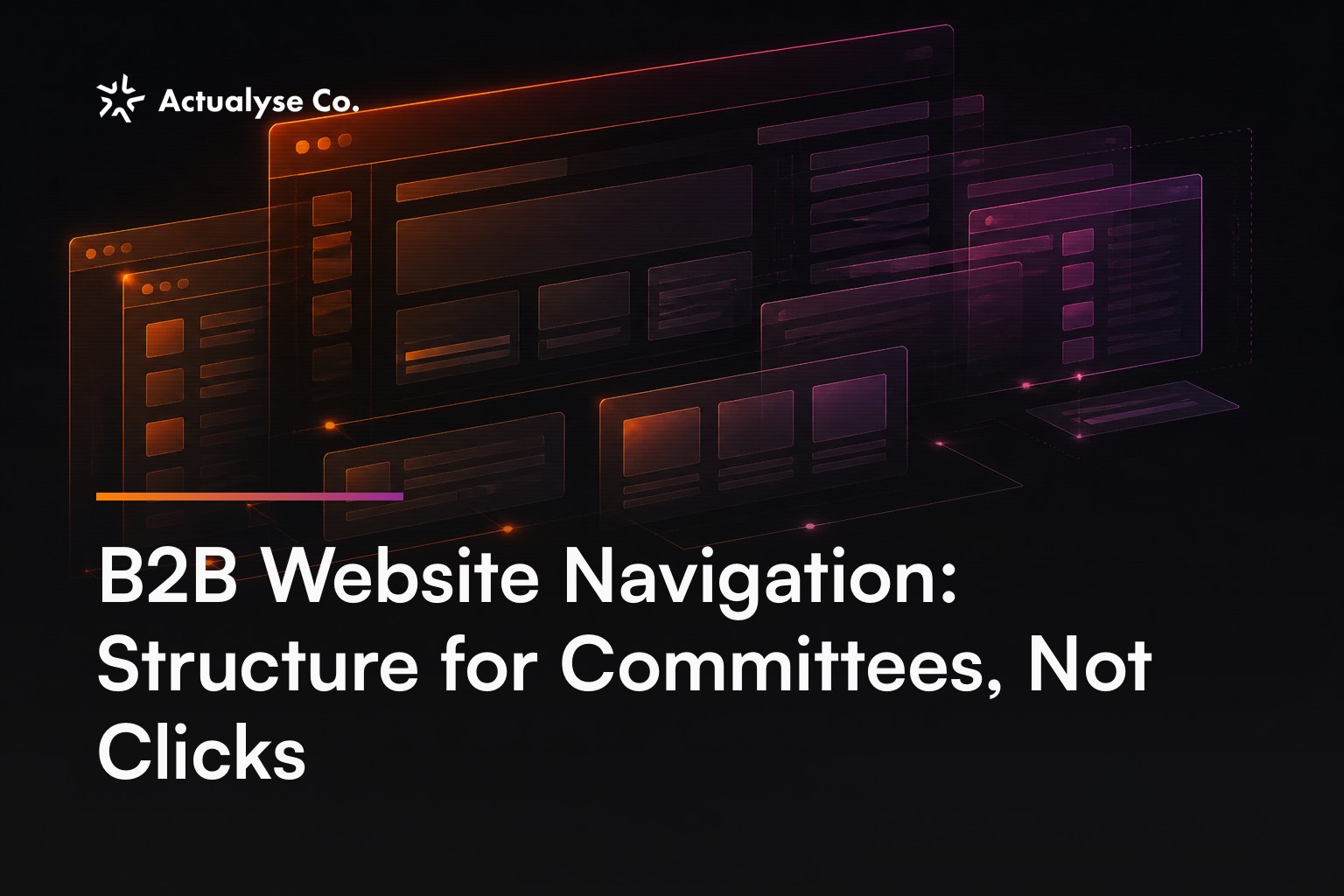
B2B website navigation should map the committee
A 20-link B2B menu can outperform a seven-link one. That is not permission to dump every page into a mega-menu; extra routes work only when they serve distinct research jobs. Within a B2B website redesign, navigation fails when it maps the organisation chart rather than the buying committee, and each unserved role is a stall the sales team never hears about.
The version we see in audits usually mirrors a four-part internal hierarchy: products, solutions, industries and resources. Employees understand which department owns each branch. Buyers must translate their concern into the company’s structure before they can research it.
That translation breaks differently for each stakeholder. A finance lead wants commercial exposure. A functional owner wants operational fit. IT wants integration and implementation detail. Procurement wants a clean due-diligence path. An end-user champion wants to understand the working experience.
When one stakeholder cannot find that route, they rarely submit a form explaining the omission. They leave, postpone the internal conversation or ask the original contact to retrieve the evidence manually. Analytics records a visit; sales never records the objection.
Create a committee inventory before commissioning wireframes. If three or more roles can delay the purchase, and any two require different next destinations, create role-based routes before changing the visual design.
Committee coverage is the real navigation metric.
Build two parallel routes by role and by need
A buyer may know who they are, or they may know what has gone wrong. Forcing both visitors through one taxonomy makes navigation easier for the company and harder for the market.
Use exactly two parallel entry axes: a route by role and a route by need. Both should converge on shared revenue pages rather than creating duplicate content estates.
Route one: by role
Start with a five-role route map. The titles will vary between markets, but the research responsibilities remain recognisable.
| Committee role | First entry point required |
|---|---|
| Economic buyer — founder, managing director or CFO | Commercial case, scope and exposure |
| Functional owner — marketing, HR or operations lead | Capability map and relevant workflows |
| Technical evaluator — IT, security or data lead | Integrations, security and implementation |
| Procurement or legal lead | Due diligence, contracting and data-processing material |
| End-user champion | Task-level use cases, adoption and training resources |
These are entry points, not separate websites. The economic buyer and technical evaluator may eventually reach the same product page, but they should not have to begin at the same place.
If one role requires at least three destinations that are irrelevant to the wider committee, give that role a hub. Below three destinations, use a direct route rather than manufacturing another layer.
Commercial research can hand off to the appropriate pricing-page architecture, while proof-seeking routes should reach deliberate case-study destination design. Those pages perform different jobs; navigation only needs to deliver the right stakeholder to them.
Route two: by need
Need-based routes serve visitors who recognise the operational problem but do not know the product category or internal owner.
A practical four-need model might separate replacing manual hand-offs, consolidating reporting, integrating an existing stack and controlling compliance. Each need route should narrow the relevant capability set, then offer stakeholder-specific evidence.
The useful comparison is one universal hierarchy versus two parallel entrances. The second model removes the requirement for every buyer to describe the purchase in the supplier’s language.
Parallel routes give every stakeholder a credible place to begin.
Set a three-click depth rule for B2B navigation
A deep page is harmless until it affects evaluation or enquiry. For this rule, six page types count as revenue pages: product, service, sector, proof, implementation and enquiry pages.
No revenue page should require more than three clicks from the homepage.
The three-step ceiling is straightforward: first choose a role or need, second choose the relevant capability or situation, and third arrive at the revenue page. A page requiring four clicks fails against a maximum of three, even if the individual menu interactions look tidy.
For every page at four clicks or deeper, run two diagnostics. First, check for a missing role or need parent; add the page to the relevant hub when no such route exists. Second, compare adjacent layers; merge them when both ask the visitor to make the same kind of choice.
Click depth is only the structural test. What it cannot tell you is whether the destination resolves the stakeholder’s research task, and it is confounded by product complexity, traffic quality and buying maturity.
Run five committee tasks with ten relevant participants. If fewer than 8 of 10 choose the correct first branch, restructure the opening choice. At 8 of 10 or more, investigate the next branch instead.
Our claim is falsifiable: committee-centred routing should produce more correct first choices than an org-chart tree; a 6/10 result against 8/10 for the org-chart version would prove us wrong.
Revenue pages belong within three deliberate choices.
Architecture decisions from real client work
For Lanteria, our work involved a B2B HR software platform for Microsoft 365 with a broad capability set. The architecture decision routed visitors by both product and audience. Someone arriving with product knowledge could browse capabilities, while a stakeholder arriving through their organisational responsibility had an audience route.
That choice accepted two valid entry modes instead of forcing every committee member through one product tree. It was an architecture decision on real client work, not a claim about an unpublished conversion result.
For AfriCap Hub, the key problem was a catalogue of Pan-African executive events leading into registration. The architecture allowed the catalogue to filter before it explained, so visitors could narrow the available set before opening detailed event material.
This pattern applies when selection precedes persuasion. A visitor choosing from a catalogue needs controlled reduction first; placing a long explanatory journey before filtering reverses the research task.
During eight research sessions, keep both role and need routes prominent if at least two people begin with each axis. If an axis attracts one participant or none, demote it from the header while retaining useful underlying pages.
The honest limit here is that documented design intent does not establish causal uplift. Neither project page publishes traffic, conversion or revenue figures.
Architecture should follow observed research tasks, not internal ownership.
If this analysis exposes wider gaps in your site, we can turn the evidence into a focused redesign brief — book a call
Three fixes that do not repair B2B website navigation
A mega-menu expands choice without correcting its organising principle.
Mega-menus
Replacing an eight-link header with a 40-link panel exposes more of the same structure. If those 40 links still follow business units, product ownership and internal terminology, the committee must perform the same translation with more options in view.
A mega-menu can deliver a sound architecture, but it cannot create one. Build role and need routes first; choose the menu format afterwards.
A search box
Search requires visitors to know that the destination exists and guess how the company categorises it. An IT evaluator cannot search for implementation documentation they have no reason to expect is available.
Use search logs as diagnostic evidence instead. If the same destination remains among the five most common internal searches for four consecutive weeks, promote it into a relevant route. The search box remains an escape hatch, not the structure.
Renaming items without changing the structure
Changing a navigation item while preserving its parent, siblings and depth leaves the research path intact. A procurement page buried four layers down remains buried after receiving a different name.
Altering tone, icons or colour belongs to brand personality work, not structural navigation repair. None of those changes connects an unserved role to a missing destination.
Cosmetic navigation changes preserve structural failure.
Decide whether to patch or rebuild
Budget should follow commercial exposure, not menu aesthetics.
Take an illustrative UK compliance consultancy spending £8,000 each month on Google Ads. Its seven labelled planning inputs are:
- Monthly Google Ads spend: £8,000
- Paid website visits: 200
- Visit-to-enquiry rate: 6%
- Enquiry-to-opportunity rate: 25%
- Opportunities exposed to an unserved committee route: one in three
- Average first-year contract value: £40,000
- Opportunity close probability: 30%
The four illustrative calculations are:
200 paid visits × 6% = 12 enquiries
12 enquiries × 25% = 3 qualified opportunities
3 opportunities × (1 ÷ 3) = 1 navigation-exposed opportunity
1 × £40,000 × 30% = £12,000 expected revenue exposure
This is expected-value planning, not measured client loss. The comparison is £12,000 of illustrative monthly exposure versus £8,000 of monthly media spend. It shows why hidden committee routes deserve commercial scrutiny, but it cannot forecast the return from a redesign.
Patch the architecture when the failure is confined to one section and every revenue page still meets the three-click rule. Add or replace the relevant parent route, then retest that branch.
Rebuild the information architecture when two or more committee roles lack a route, or when more than 25% of revenue pages require four clicks or more. An existing site crossing either threshold needs an architecture-led design and redesign engagement rather than menu maintenance.
The broader commercial scope belongs in our conversion-focused redesign guide. For a new build, make committee coverage and the three-click ceiling acceptance criteria within the website project scope.
Commercial exposure determines navigation priority.
FAQ
Four implementation decisions prevent the new structure being diluted.
Should desktop and mobile navigation use the same architecture?
Use a shared-architecture, different-disclosure decision. Keep destination ownership consistent, but reveal mobile levels progressively. If a core route requires more than five taps after opening the menu, replace nested accordions with staged panels or a direct shortcut.
Should the customer login sit inside the main navigation?
Use a separate utility-navigation decision when two or more recurring customer tasks compete with acquisition routes. Login, support and account administration should remain consistently available without occupying the same hierarchy as pre-purchase research.
How should acquired brands share navigation?
Map ten representative committee tasks across both brands. If seven or more use the same route and destination type, retain one architecture with a brand selector. At six shared tasks or fewer, separate the structures because the overlap is insufficient.
What should GA4 record about navigation?
Fire a named navigation_select event with route axis, stakeholder or need, destination and depth as parameters. Wait for at least 100 qualified sessions on each major route before comparing behavioural patterns; use task testing for earlier decisions.
Navigation governance needs explicit decisions, not inherited conventions.
Summary
Use these five operating rules:
- Create role routes when three or more stakeholders can delay the purchase and two need different destinations.
- Keep both axes prominent when at least two of eight research participants begin with each.
- Cap every revenue page at three clicks; diagnose missing parents or duplicate layers at four.
- Restructure the opening branch below 8 correct first choices from 10 task participants.
- Rebuild when two roles lack routes or over 25% of revenue pages fail depth.
Buying committees need routes, not a tidy reflection of company structure.
Actualyse designs and rebuilds B2B websites that turn research visits into qualified pipeline. Book a call to talk through where yours stands.